

Uncategorized
10 Essential Tips for Safeguarding Your Home Business from Security Threats
In this age of technological advancements, running a home-based business has become increasingly popular. Safeguarding Your Home Business from Security Threats. With the convenience of working from the comfort of your own living space, you can avoid long commutes, office politics, and even dress codes. However, amidst all the perks, it’s crucial not to overlook the potential security threats that come with operating a business from your home. Imagine this scenario: you’re diligently working on a tight deadline, completely engrossed in your tasks, when suddenly, you hear a loud crash downstairs. Your heart races, and a rush of adrenaline surges through your veins. Is it an intruder? Has someone broken into your home? As a business owner, your mind not only worries about the safety of your loved ones but also your valuable equipment, important documents, and sensitive customer information.
Fear not, because today, we are going to equip you with 10 essential tips to safeguard your home business from any security threats that may arise. From physical measures to digital precautions, we will cover it all, ensuring that you have a comprehensive security plan in place. So, grab a cup of coffee, sit back, and let us help you build a fortress around your home office, allowing you to focus on what truly matters – growing your business. Let’s dive right in!
Assessing Your Security Needs
Before implementing any security measures, it’s important to assess your specific security needs. Every home business is unique, and what works for one may not work for another. Start by evaluating the nature of your business and the potential risks it may face.
Consider factors such as the value of your equipment and assets, the sensitivity of your data, and the level of threat in your area. For example, if you run an online store that handles customer payment information, you’ll need to prioritize digital security measures. On the other hand, if you have valuable physical inventory or equipment, you’ll need to focus on securing your premises.
By understanding your specific security needs, you can tailor your approach and allocate resources effectively. This will ensure that you’re not only protecting yourself from potential threats but also avoiding unnecessary expenses.
Securing Digital Networks and Systems
In today’s digital age, securing your home business’s digital networks and systems is paramount. Here are a few essential tips to help safeguard against cyber threats:
1. Install robust antivirus software: Protect your computers and devices from malware by installing reputable antivirus software. Regularly update it to stay protected against new threats.
2. Use strong passwords: Create unique passwords for all accounts and use a combination of letters (both uppercase and lowercase), numbers, and special characters.
3. Enable two-factor authentication: Add an extra layer of security by enabling two-factor authentication wherever possible. This requires users to provide additional verification beyond just a password.
4. Regularly backup data: Ensure that all important data is regularly backed up on secure external storage devices or cloud-based services.
5. Educate yourself and your employees: Stay informed about the latest cybersecurity threats and educate your employees about best practices for online security.
Encrypting Sensitive Data
Encrypting sensitive data adds an extra layer of protection, making it unreadable to unauthorized individuals. Here are some tips for encrypting sensitive data:
1. Use encryption software: Utilize encryption software to protect confidential files and folders on your computer or external storage devices.
2. Secure your Wi-Fi network: Set up a strong password for your Wi-Fi network and enable WPA2 encryption to prevent unauthorized access.
3. Encrypt email communications: If you frequently exchange sensitive information via email, consider using encrypted email services or encrypting the content of your emails.
Establishing Access Control Measures
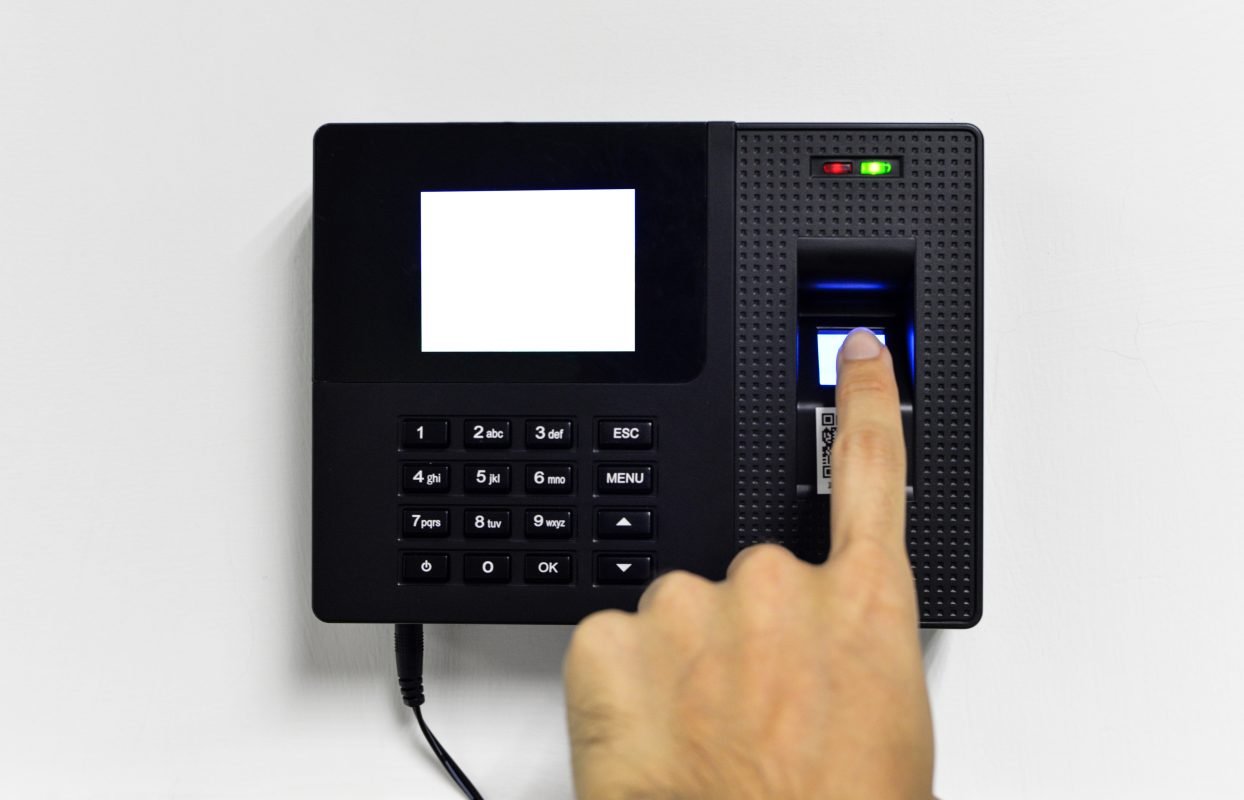
To ensure that only authorized individuals have access to your home office, it’s important to establish access control measures. Here are some tips to help you secure physical access:
1. Install sturdy locks: Invest in high-quality locks for all entry points, including doors and windows. Consider using deadbolts or smart locks for added security.
2. Install a security system: Install a comprehensive security system that includes burglar alarms, motion sensors, and surveillance cameras.
3. Limit access to sensitive areas: If you have areas within your home office that contain highly sensitive information or valuable assets, restrict access only to authorized personnel.
In Conclusion
Safeguarding your home business from security threats is essential for its success and longevity. By assessing your specific needs, securing digital networks and systems, encrypting sensitive data, and establishing access control measures, you can create a robust security plan.
Remember, security is an ongoing process. Regularly review and update your security measures to stay ahead of potential threats. By prioritizing security, you can focus on growing your business with peace of mind.
Kirk Booher, Onguards.