

General, Pricing & Terms, Q&A, Residential, Safety & Security Tips, Video Surveillance
Q&A: Outdoor Lighting, LTS App, and remote viewing of Cameras
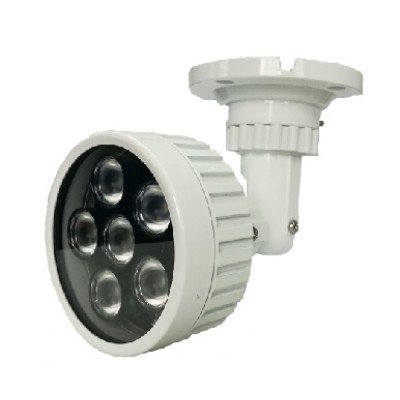

Software and Viewing Practices for Outdoor Lighting
The most common way, is to view via Wifi or Internet through the app. There is some firmware you can access by logging into the IP address via a computer. The other way is to extend the HDMI connection from the DVR, is via an HDMI cable. If more than 50′ you can use a Ethernet cat5/6 cable over HDMI extender. Both of these solutions require running wire to your outdoor lighting,
I would recommend for ease of use and convenience, connect to it via Wi-Fi from the App. In this case with LTS is NVMS7000. And make sure you connect via Wi-Fi instead of a Cell data connection. Sometimes you can use the same IP address in the app as the Remote connection, (via Cell data). But sometimes we need to add a 2nd IP address.
We are using another manufacturer as a lead residential / light commercial product. Primarily because, it has a smoother app that is Peer to Peer (P2P). LTS has a newer one that we might want to check out. In conclusion, we can get LTS on a conference call, and they can view it. Or maybe what you have is working just fine.
I hope that helps and let me know what you want to do.
Kirk